
Every lead, and what became of it.
Fix and replay the ones that failed.
The dashboard, the submission log with replay, the review queue for possible duplicates, the lead panel with score, reply timer and source, and the claim page for salespeople.
01Dashboard
Catchline > Dashboard shows leads today and in the last 7 days (against the 7 days before), the share of the last 30 days' leads that became customers, and the median first reply with the time in which 9 in 10 leads were answered.
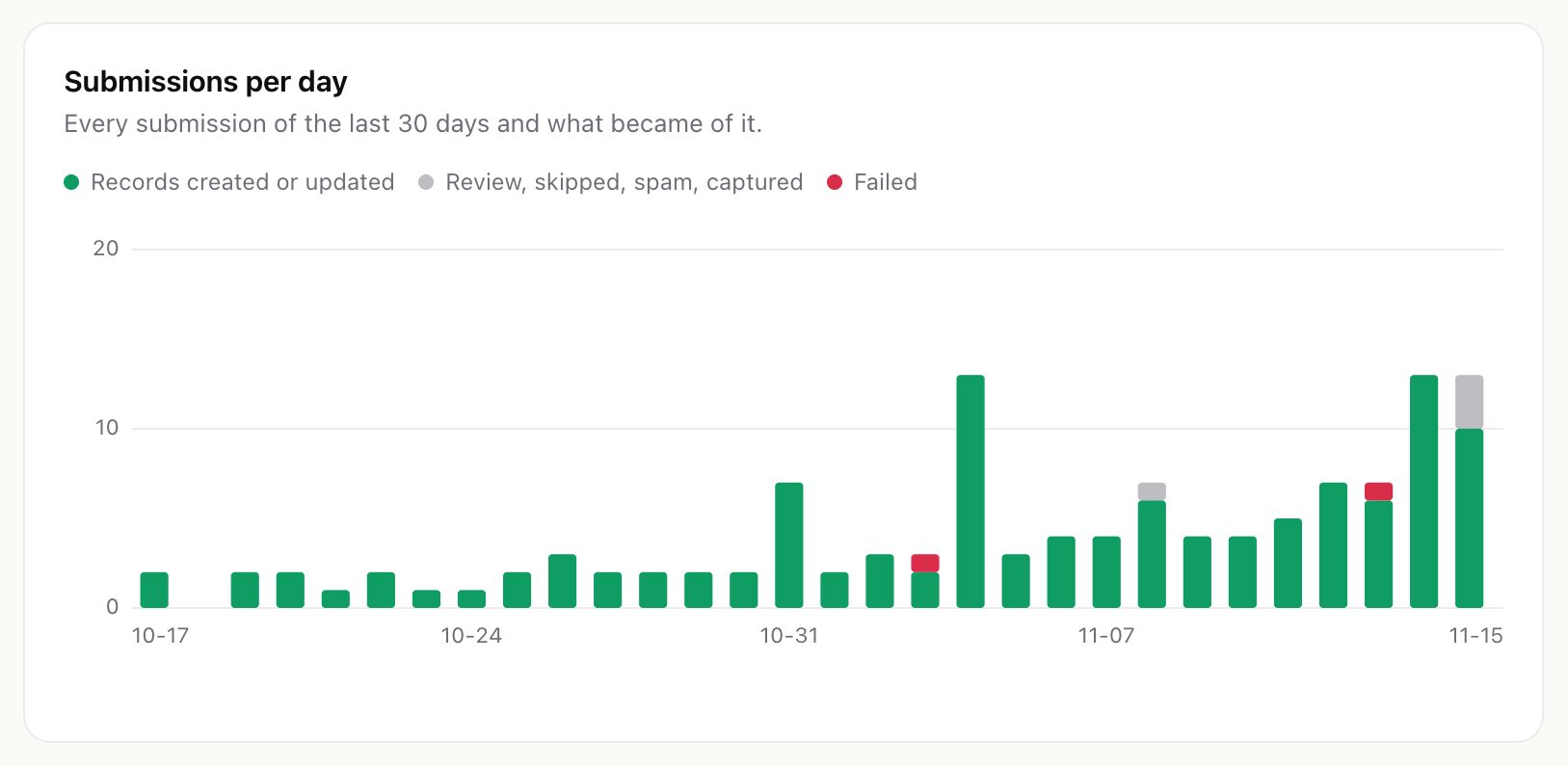
Below are the hottest leads above your hot score, the top sources of the last 30 days with how many leads became customers, the latest failures, and a reminder when submissions wait in the review queue. The footer says when the cron last ran Catchline.
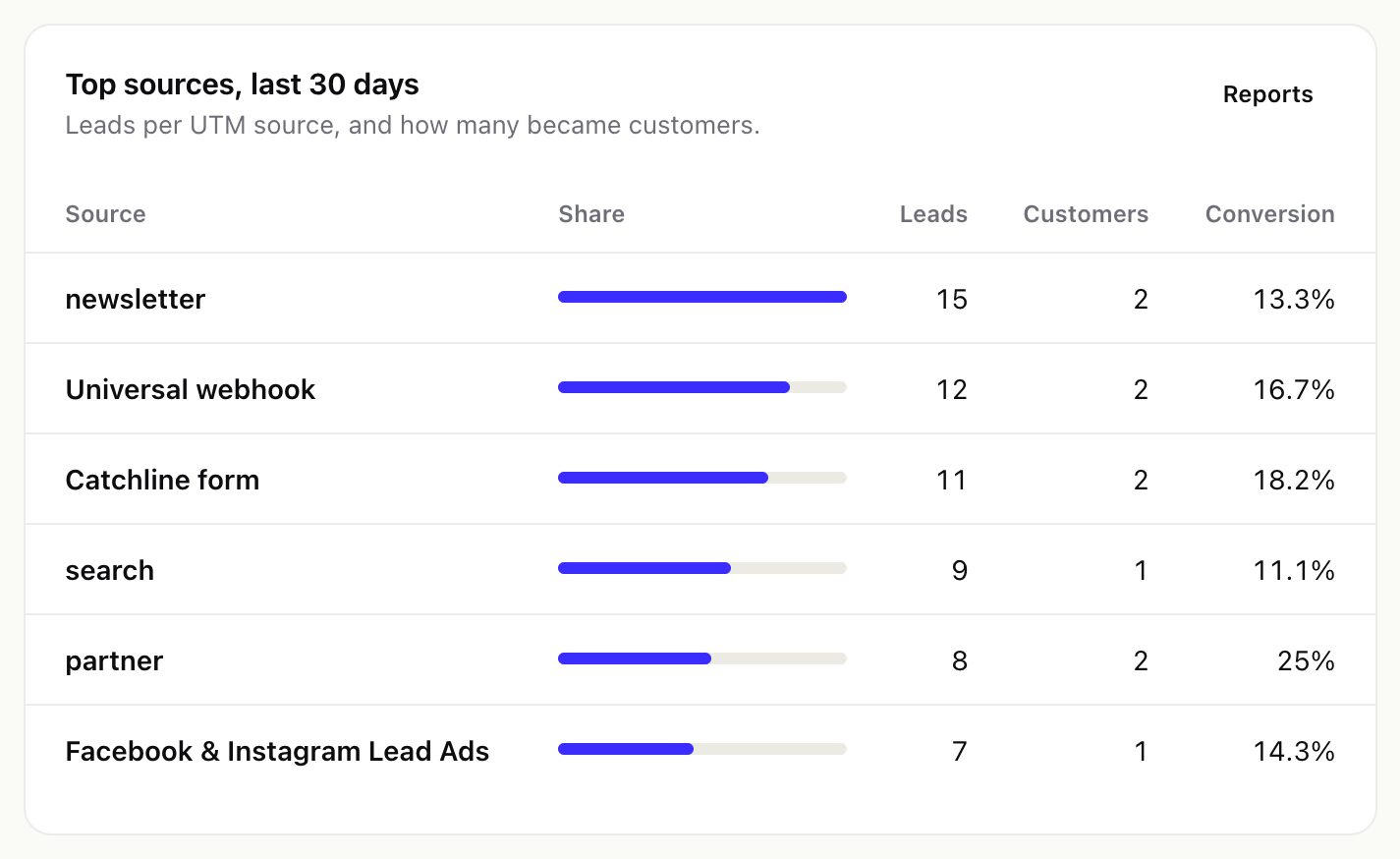
02The submission log
Leads > Submissions (in the Perfex menu: Catchline > Leads and sources) lists every request that reached Catchline, newest first. Filter by source, status and date range, or search an e-mail address, a word or an error text.
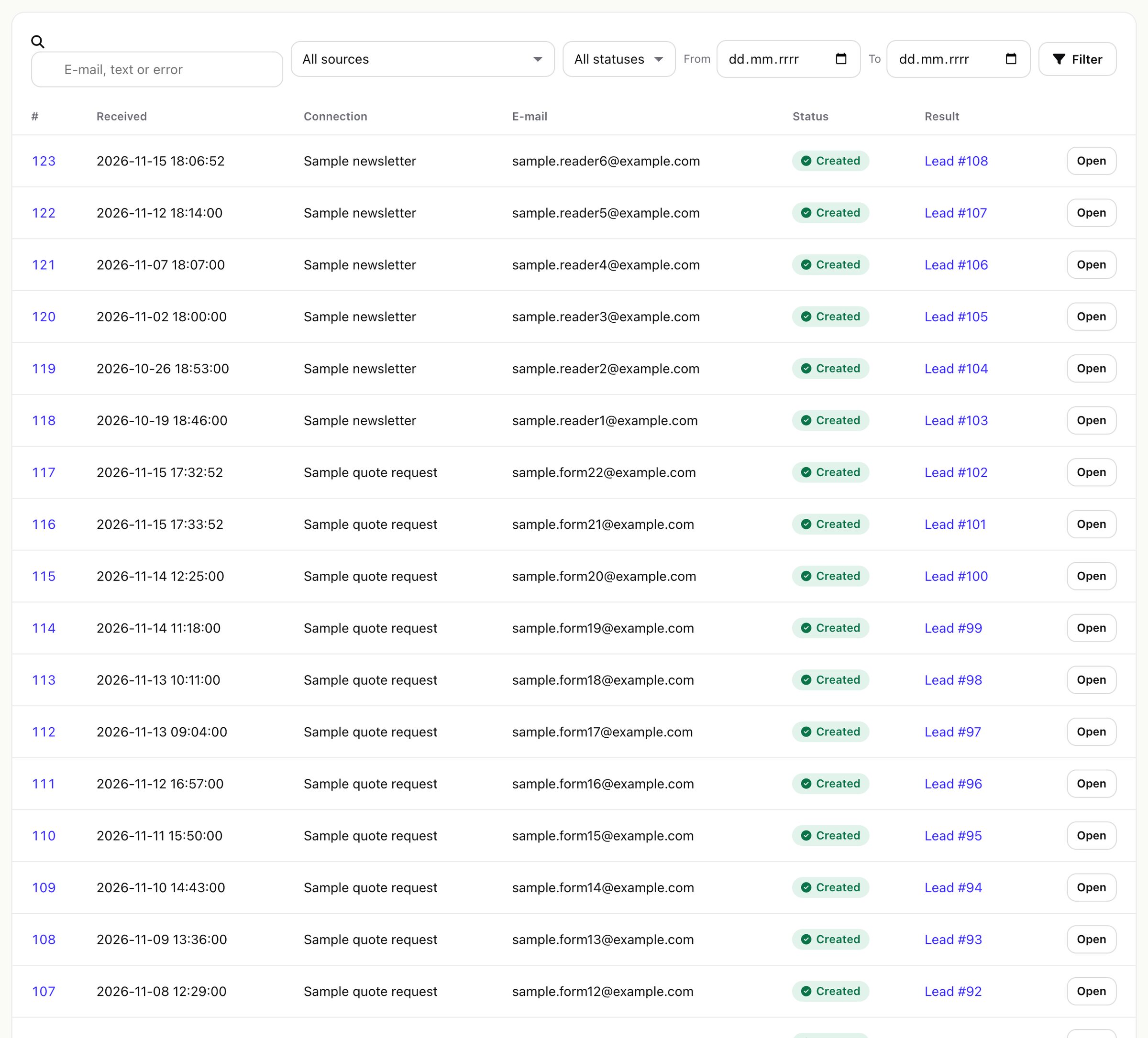
| Status | Meaning |
|---|---|
| Captured | Stored, waiting for a mapping. Save the mapping, then replay. |
| Created | A lead, customer or ticket was created. |
| Updated | An existing record was filled or got a note (see Duplicates). |
| In review | A possible duplicate waits for a person in the review queue. |
| Skipped | Nothing was created, for example after "Skip" in the review queue. |
| Failed | Nothing was created; the reason is shown. Retried automatically when the cause may pass. |
| Spam | Dropped as spam (honeypot field, blocked domain). |
A failure that may pass (a database or Perfex error) is retried by the cron after 5, 30, 120 and 360 minutes, up to the number set in Settings > Protection > Automatic retries (default 3). A failure only a person can fix (no mapping, no lead name, no ticket department) waits for you.
Searching by text reads the whole log; with 100,000 submissions a search took 0.2 to 0.6 seconds in testing. Narrow the date range on very large logs.
03One submission: fix and replay
Open a submission to see the fields the form sent, the result (the source, the record it created, the rule that matched, whether the signature was verified, the source's own id, attempts and the next automatic attempt), any uploaded files and the raw payload as it arrived.
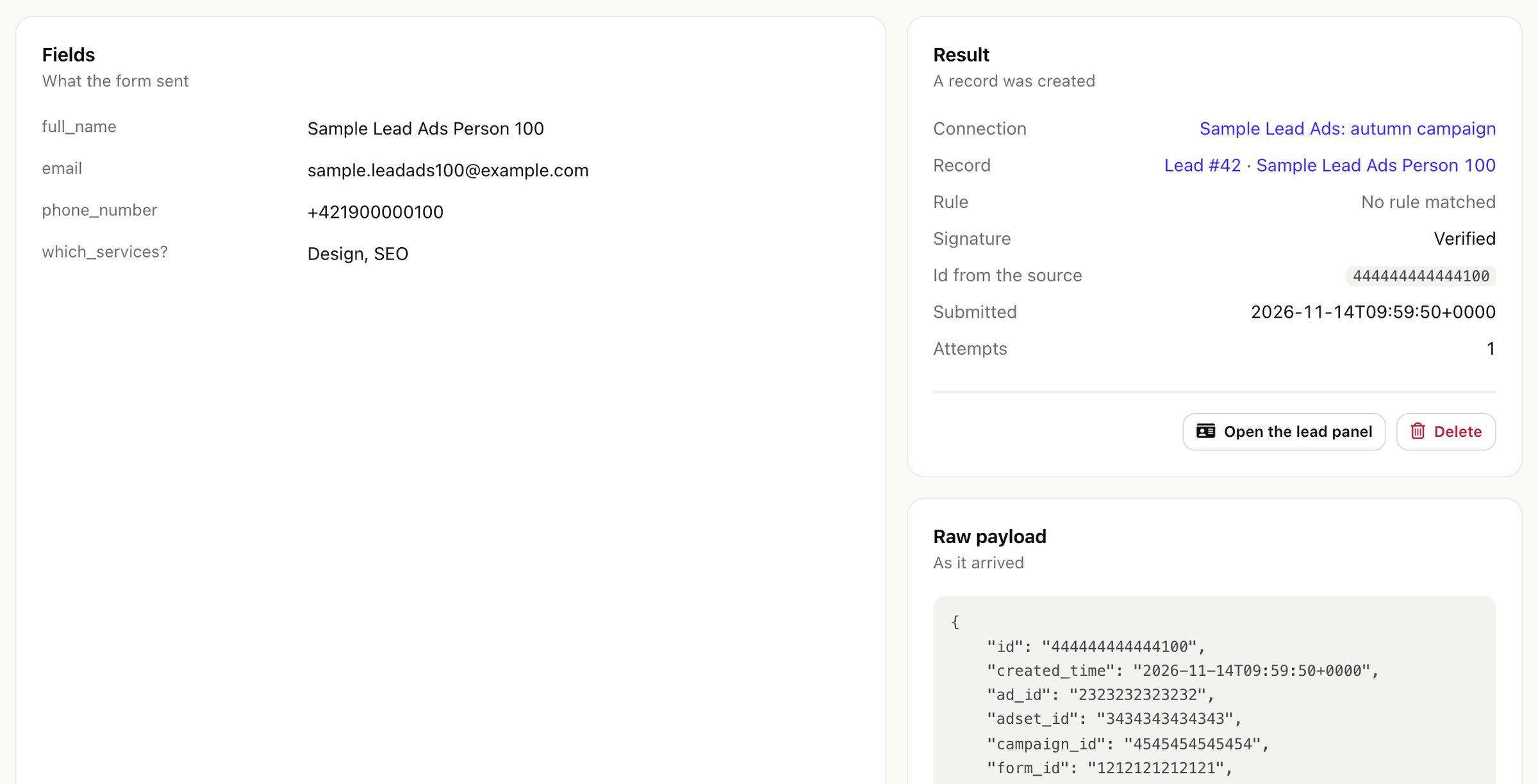
- Save and replay: correct the values if needed and run the mapping, rules and duplicate check again.
- Delete removes the submission and its uploaded files from the log. The record it created stays in Perfex.
- After the retention period (Privacy) the payload and the field values are removed; the log line stays, marked "Payload removed", and can no longer be replayed.
04Review queue
Submissions that look like someone you already have wait in Leads > Review queue: when a source uses "Send to the review queue", and always when only the phone number matched. Nothing is written until you decide.
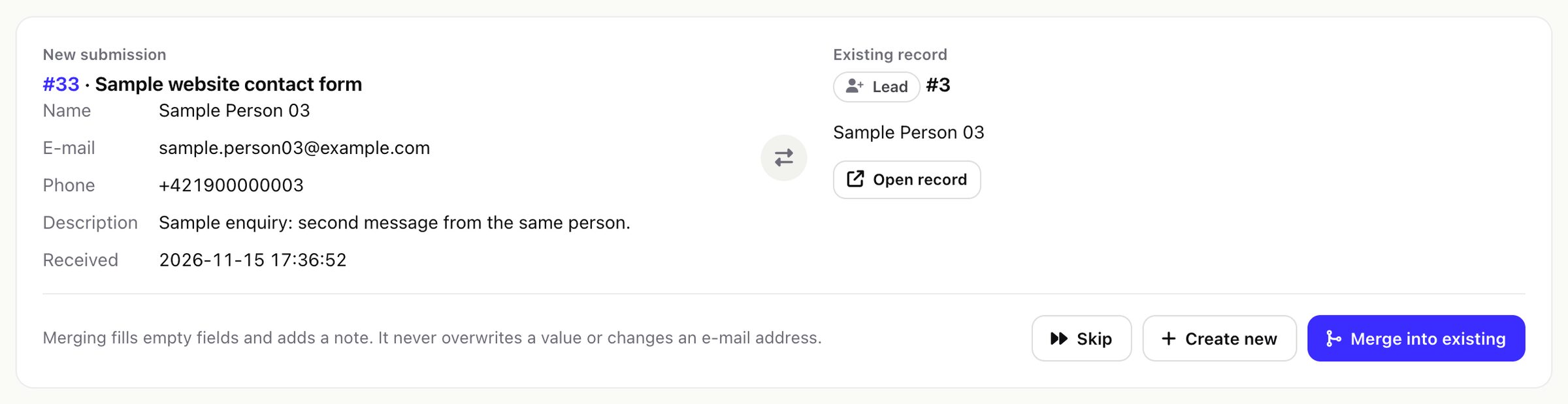
- Merge into existing fills empty fields and adds a note. It never overwrites a value or changes an e-mail address.
- Create new creates a separate record. Skip creates nothing.
The menu shows how many items wait. Items nobody decides are closed as skipped when their submission reaches the retention period.
05The lead panel
Open a lead from the log, the dashboard, or the Catchline button on the Perfex lead page. The panel shows what Catchline knows about the lead:
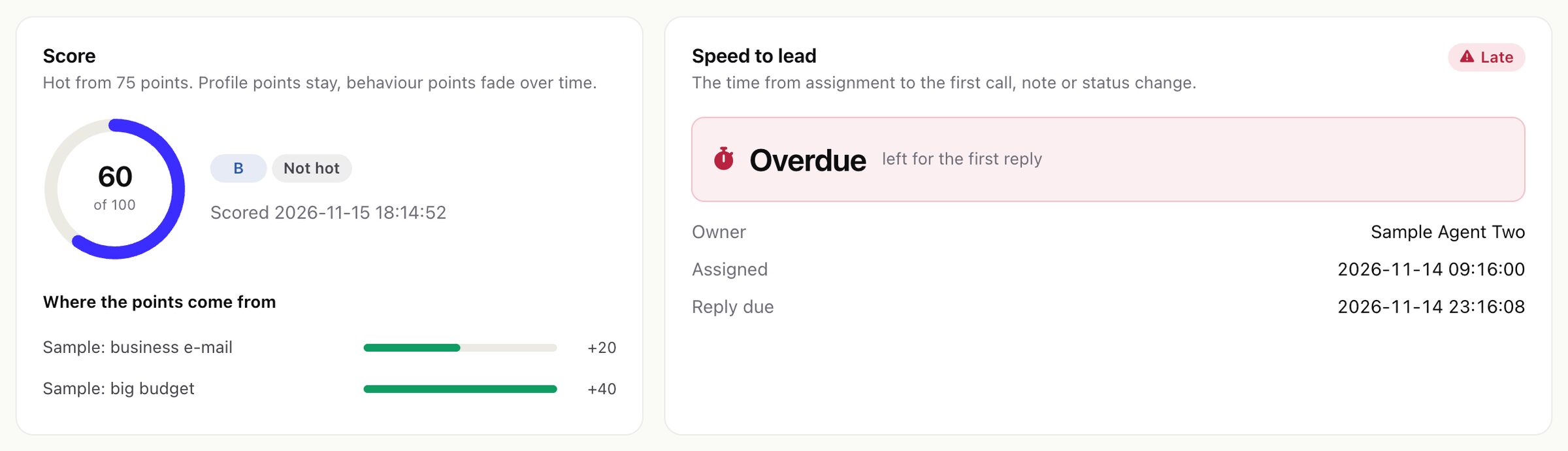
- Score: points out of 100, the grade, whether and since when it is hot, and which rules gave the points. With the AI helper on, Explain this score writes a short explanation (see Optional AI).
- Speed to lead: the owner, when the lead was assigned, when the first reply is due, the first reply, and whether it was passed on or offered to a claim pool.
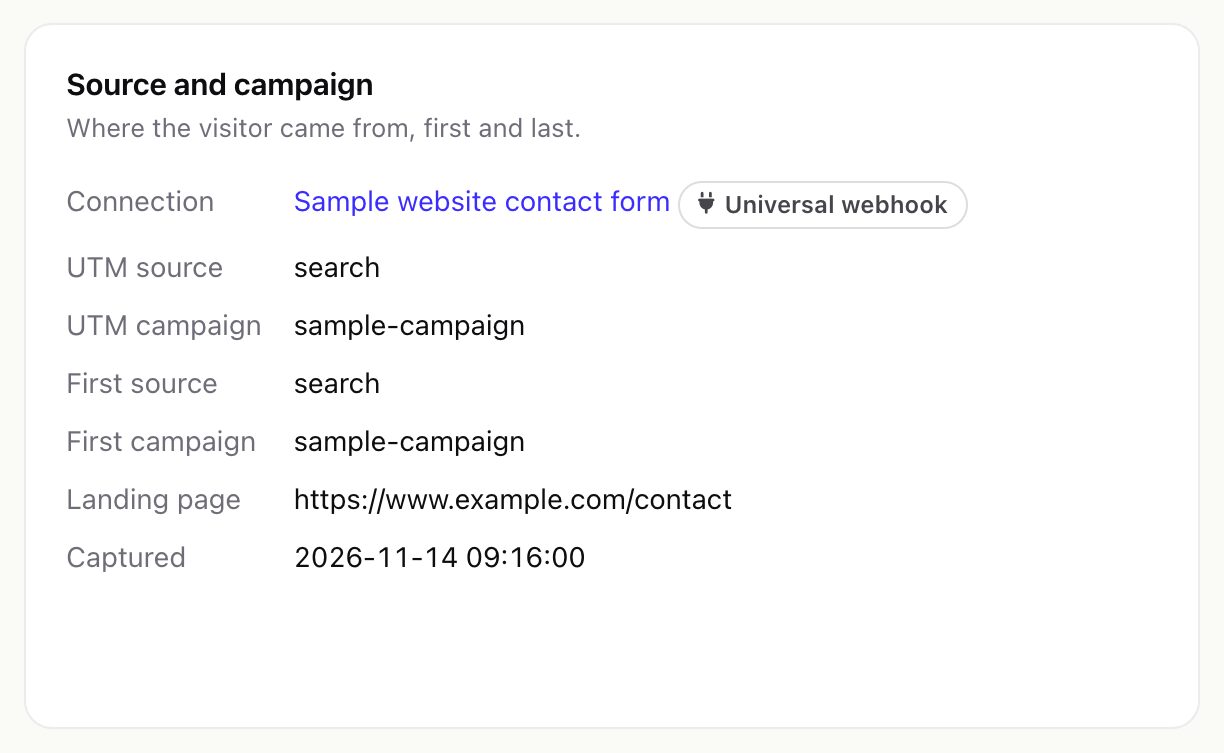
- Source and campaign: the source, UTM values, first source and campaign, landing page, referrer, when it was captured and when it became a customer.
- Follow-up: the sequences the lead is in, the step, the next send and why a sequence stopped.
- Submissions that created or updated the lead.
The panel follows Perfex's lead visibility: staff without "view all leads" can open only leads assigned to them, added by them or marked public.
06Claim leads
When a routing rule offers a lead to a claim pool, everyone in the pool is alerted and the lead appears under Leads > Claims (in the Perfex menu: Catchline > Claim leads) for staff with the Claim leads offered to a pool permission. The first person to press Claim gets it. The offer stands for the rule's time (default 15 minutes, Settings > Routing > Claim time); when it runs out, the lead goes to the rule's fallback person, or managers are told when there is none. The page lists your own last ten claims too.