
AI that proposes.
A person decides.
Switched off by default. With your own provider key the AI drafts forms, translates them, drafts follow-up e-mails, suggests mappings, summarises long messages and explains scores. Every proposal waits for approval, within monthly and daily limits, in a tamper-evident log.
01Switch it on
Catchline works fully without AI. An administrator switches it on under Settings > AI:
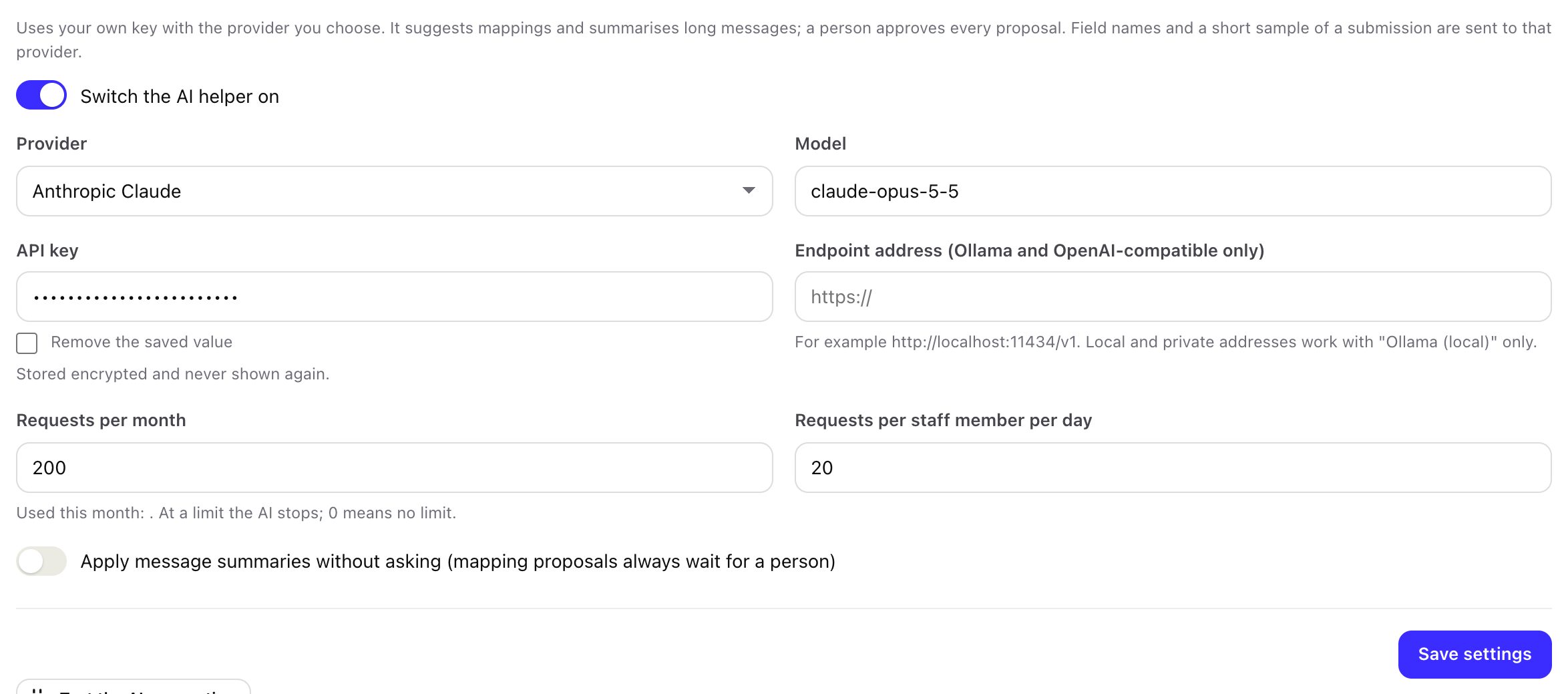
- Provider: Anthropic Claude, OpenAI, Google Gemini, OpenRouter, Ollama (local) or an OpenAI-compatible endpoint.
- Model: the model name as your provider writes it. The field is prefilled for Anthropic; change it to a model your account can use.
- API key: stored encrypted and never shown again. Not needed for a local Ollama.
- Endpoint address: only for Ollama and OpenAI-compatible endpoints, for example
http://localhost:11434/v1. Local and private addresses work with "Ollama (local)" only. - Limits: requests per month for the whole install (default 200) and per staff member per day (default 20). At a limit the AI stops; 0 means no limit.
- Save, then press Test the AI connection.
The menu then shows AI queue.
02What it can do, and what it sends
| Feature | Where, permission | Sent to the provider | When approved |
|---|---|---|---|
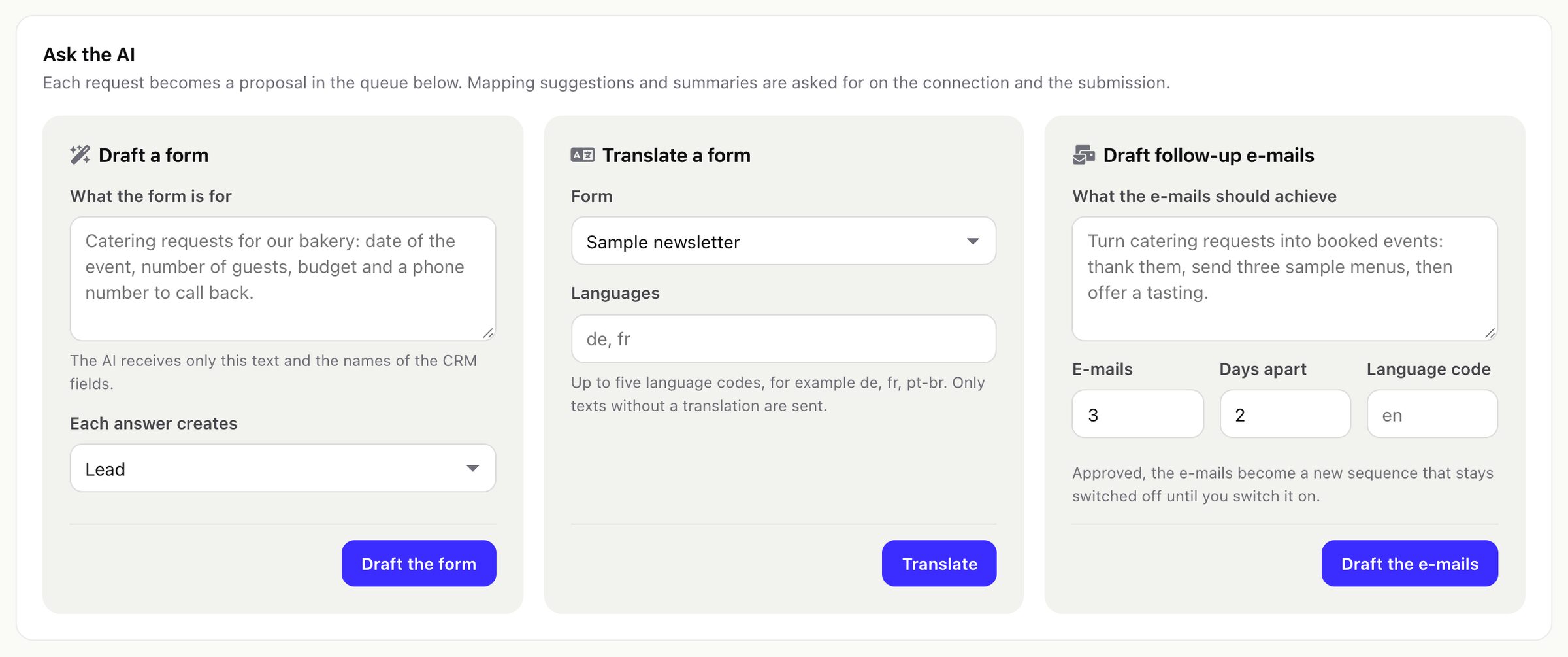
| Draft a form | AI queue, Create | Your description and the names of the CRM fields | A new draft form opens in the builder. Nothing is published. |
| Translate a form | AI queue, Edit | The form's texts that have no translation yet (up to five languages) | The missing translations are filled; a text changed since the proposal is skipped. |
| Draft follow-up e-mails | AI queue, Create | Your goal, the number of e-mails (1 to 5), days apart and language | A new sequence, switched off, with an unsubscribe link in every e-mail. |
| Suggest a mapping | A source's Mapping tab, Edit | The form's field names and up to 40 characters of each value of the latest submission | The source's mapping is replaced; you can change it afterwards. |
| Summarise a long message | A submission, Edit; or automatically per source | The long answers of that submission (80 characters or more, up to 4,000 each) | The summary becomes a note on the record and its tags are added to a lead. |
| Explain this score | The lead panel, View | The score's rule names and points | Shown at once; it changes nothing. |
Mapping suggestions send short samples of a real submission, and summaries send the visitor's long answers. Use them only if your privacy notice covers your AI provider. Form drafts, translations, e-mail drafts and score explanations send no lead's name, e-mail address, phone number or answers.
03The approval queue
Every proposal waits in AI queue > Waiting for a decision, editable where it makes sense (a summary, e-mail texts), until someone with the Edit permission approves or rejects it. Nothing reaches your CRM, your forms or your leads before that. The AI never sends an e-mail.
Two exceptions you choose yourself: a source's Ask the AI to summarise long messages asks for summaries on the cron, and Settings > AI > Apply message summaries without asking adds them as notes without approval. Mapping proposals always wait for a person.
04Usage and the audit log
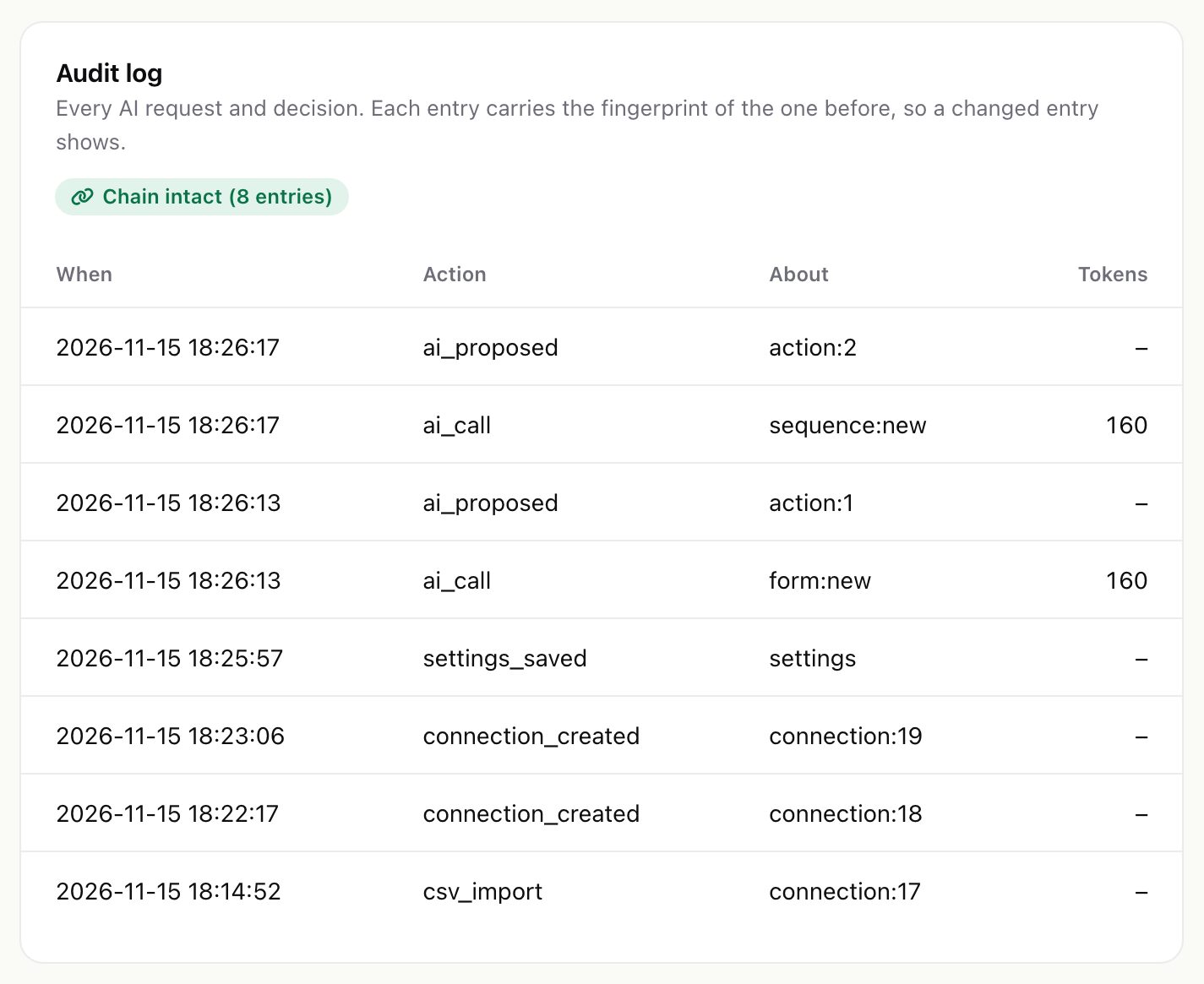
The AI queue shows proposals waiting, requests this month against the limit, your requests today and the tokens used this month (billed by your provider). The audit log records every AI request and decision; each entry carries the fingerprint of the one before, so a changed or removed entry shows as "Chain broken".
05Steward AI tools
If the separate Steward AI module is installed, Catchline offers it five read-only tools: hot leads, recent leads, recent submissions, connection statistics and source statistics. They return numbers, scores, sources and links, never a lead's name, e-mail address, phone number or answers, and follow Perfex's rule for who may see a lead. Without Steward AI they do nothing.